SECBORN has always been about reading the day’s security news. Now you can act on it without leaving the site. We have added two free tools, built in house and linked under the new Tools menu in the top navigation. No sign up, no paywall, no limits on the basics.
CVE Tracker
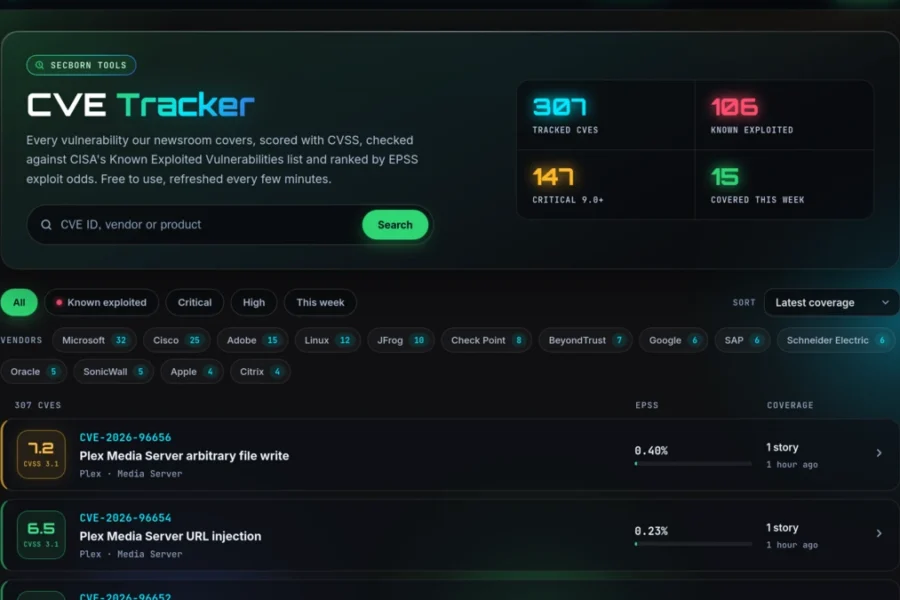
Every vulnerability our newsroom covers is now a page you can look up, scored and ranked in one place. The CVE Tracker pulls the public record for each CVE we write about and keeps it current, so you can see what matters at a glance instead of piecing it together from half a dozen sites.
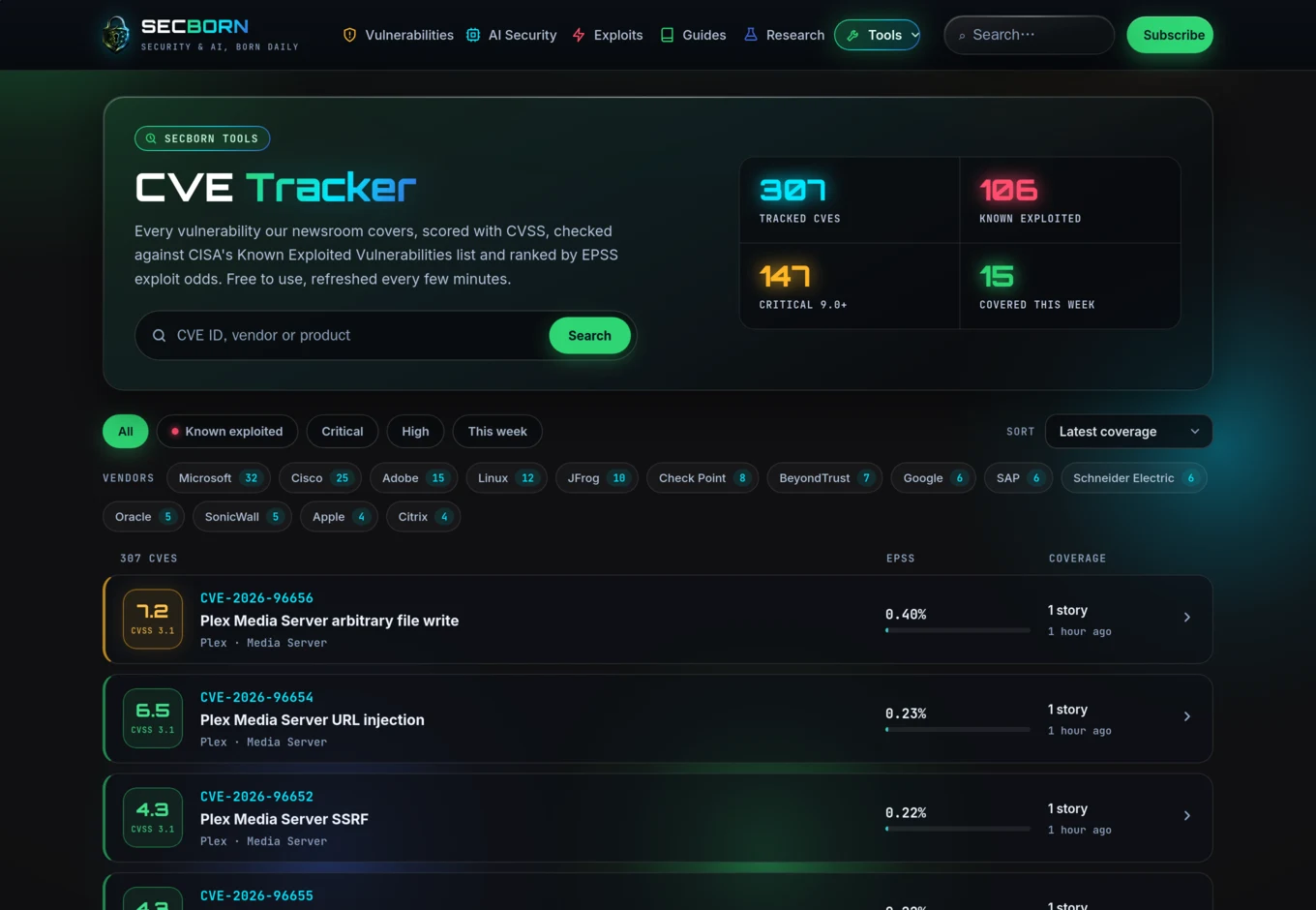
Filter by known exploited, critical, or the past week, sort by CVSS score or EPSS exploit probability, and jump straight to a vendor to see everything affecting their products. Each row shows the CVSS score, how likely the flaw is to be exploited, and how many of our stories cover it.
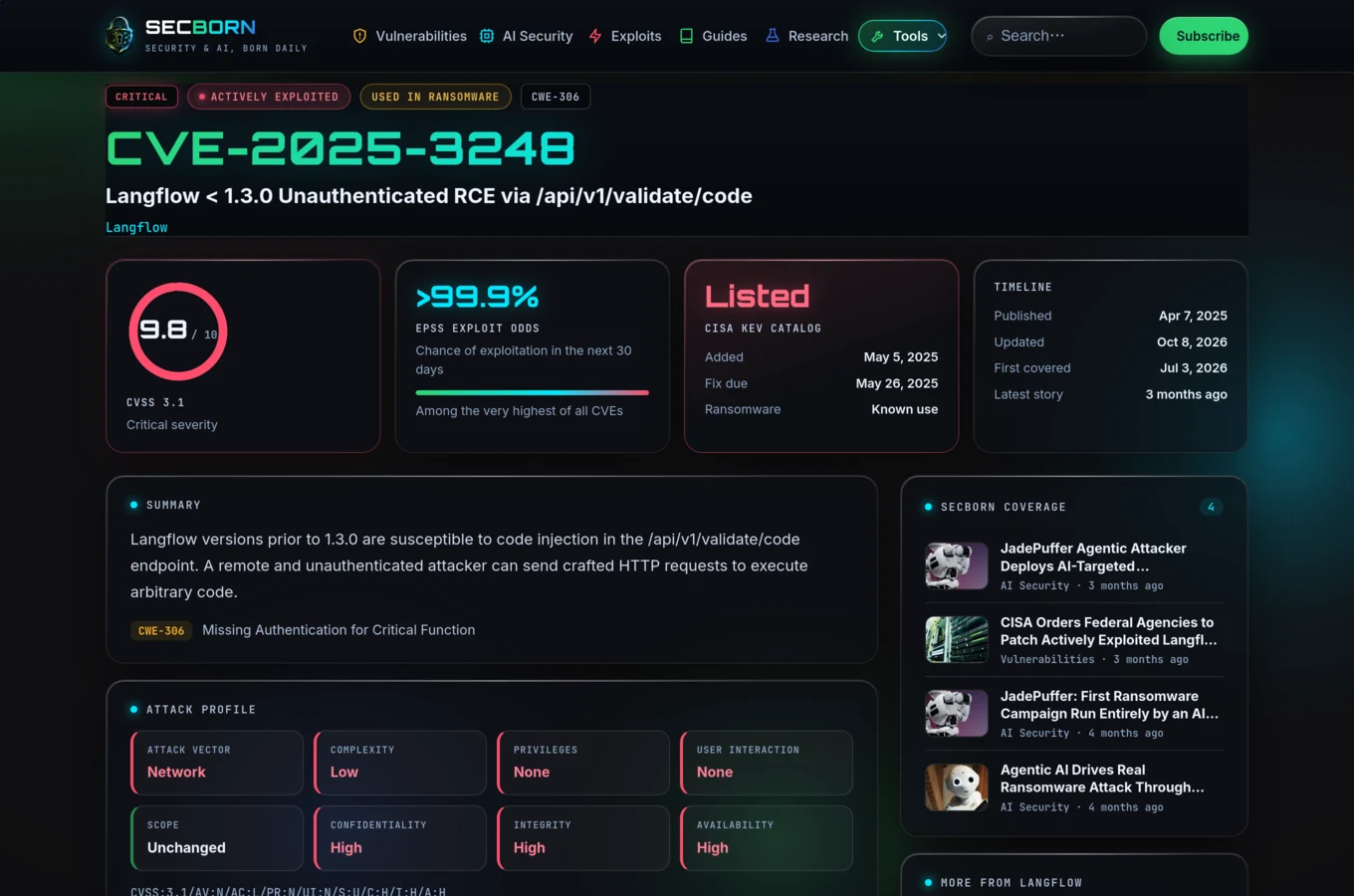
Open any CVE and you get the full picture on one screen:
- CVSS severity with the attack profile broken down (vector, complexity, privileges, user interaction and impact).
- EPSS exploit odds, the probability the flaw is exploited in the next 30 days.
- CISA Known Exploited status, including the date it was added, the federal fix deadline and whether it has been used in ransomware.
- Affected products and references, plus every SECBORN article that has covered the vulnerability.
The data is drawn from the CVE Program, the National Vulnerability Database, CISA and FIRST.org, and it refreshes every few minutes. CVE mentions in our articles now link straight to the tracker, so you can go from a story to the full technical record in one click.
Website Exposure Scanner
The second tool turns the advice we publish into a check you can run on your own site. The Exposure Scanner looks at a domain the way an attacker would and grades what it finds.
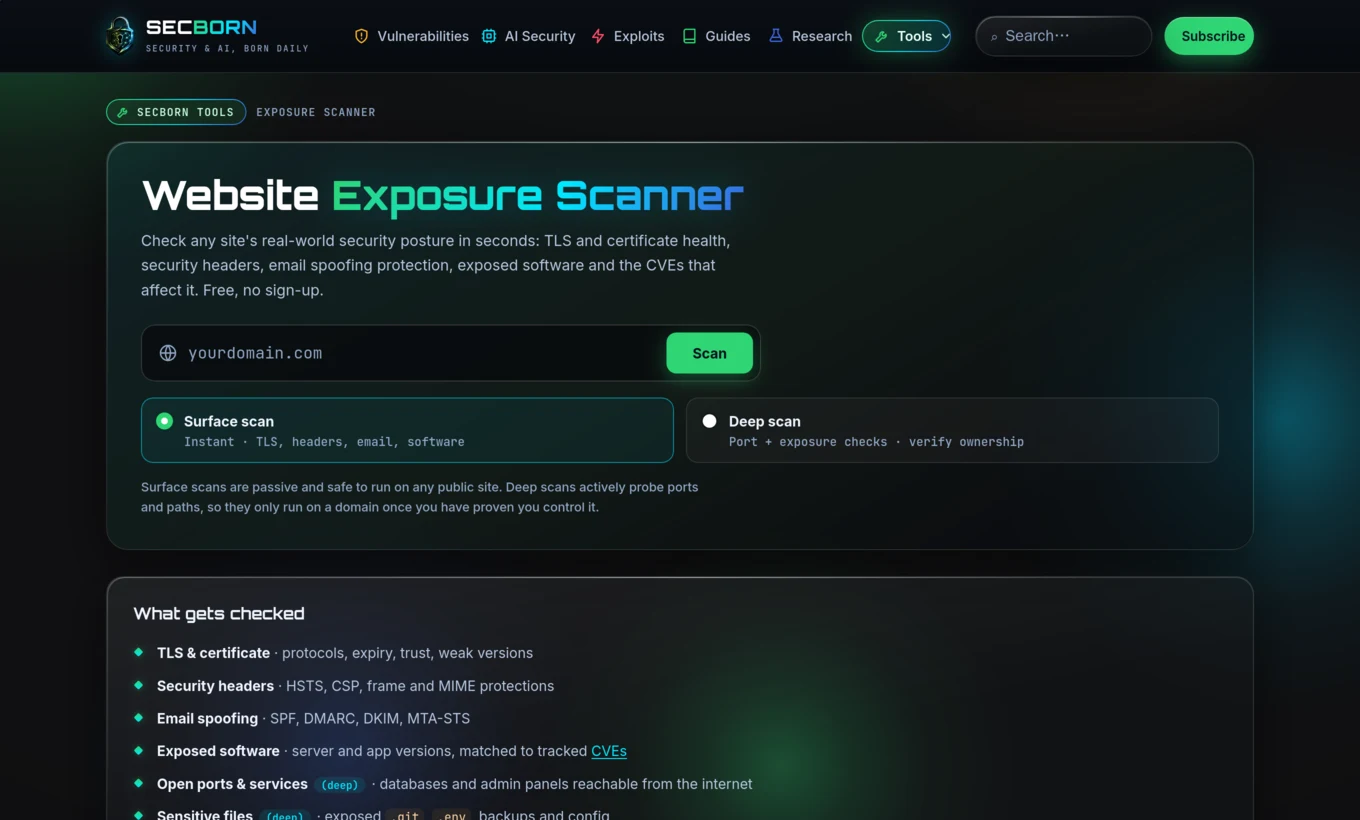
A surface scan is instant and safe to run on any public site. In a few seconds it reports:
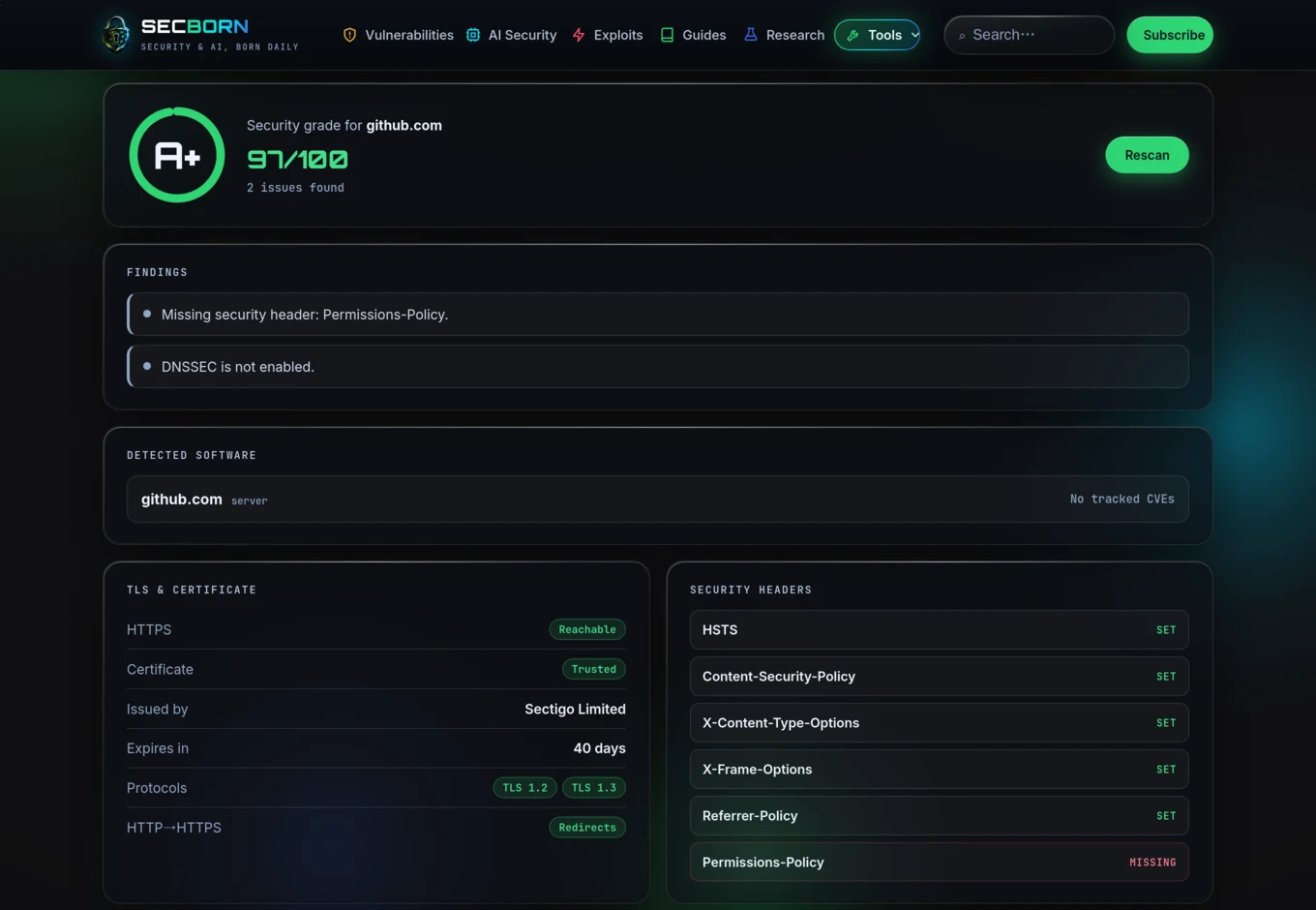
- TLS and certificate health: which protocol versions are enabled, whether weak ones are still on, certificate trust and expiry.
- Security headers: HSTS, Content-Security-Policy, and the frame and MIME protections, each marked set or missing.
- Email spoofing protection: SPF, DMARC, DKIM and MTA-STS.
- Exposed software: the server and application versions it can fingerprint, matched against the CVEs in our tracker.
Everything rolls up into a single letter grade from A plus to F, with a plain list of what to fix first.
For sites you own, a deep scan goes further: a port scan that flags databases and admin panels reachable from the internet, and checks for sensitive files left exposed, such as a .git directory, a .env file or a stray backup. Because a deep scan actively probes the target, it only runs once you have proven you control the domain, with a one time DNS record or a file on the server. Scans run from our own infrastructure and nothing is stored beyond your session.
Where to find them
Both tools live under Tools in the top menu, on every page. They are free to use and we will keep adding to them. Start with the CVE Tracker to see what is being exploited right now, then run the Exposure Scanner on your own site to see where you stand.